GridSight Desktop Automation
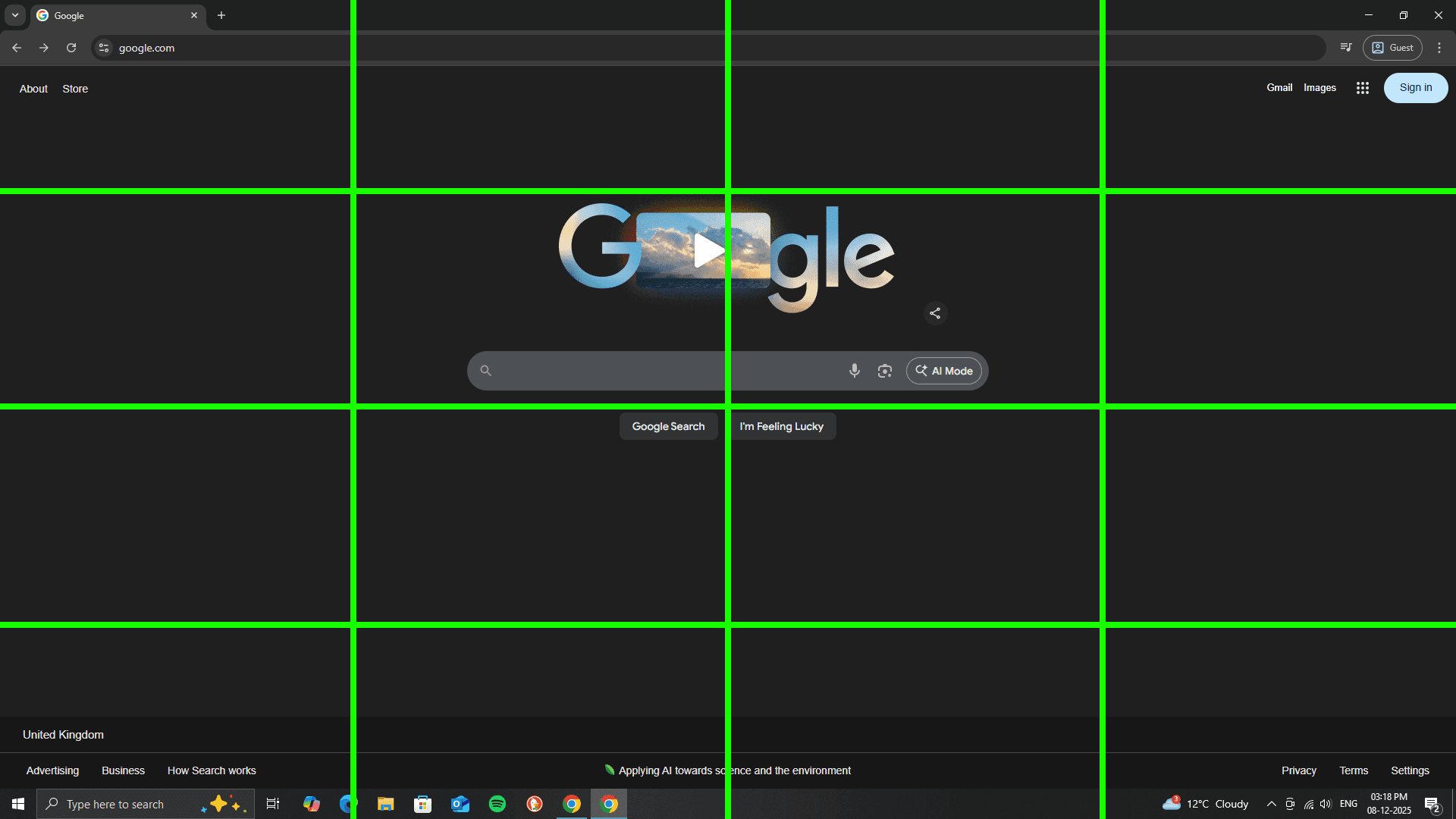
I designed a vision-based cursor targeting system that replaces unreliable pixel-coordinate detection with a recursive alphanumeric grid architecture. The screen is divided into a region map; the model first selects the most probable region based on the user’s intent. That region is then subdivided into a finer grid , and the model returns a single cell identifier rather than attempting to hallucinate absolute coordinates. If verification fails, the chosen cell is further subdivided into a subgrid for refinement. This hierarchical approach removes DPI scaling errors, mitigates hallucination, and ensures deterministic cursor movement. This system uses vision over OCR whenever possible to maintain robustness across different layouts. My long-term plan is to integrate YOLOv8 detection for fast, on-device UI element recognition and fuse it with the grid-based approach. This targeting engine is being built as a core component of my larger AI desktop control project, where multiple reasoning, perception, and automation layers work together to let an AI reliably see, understand, and control a real computer.
